Overview of Magical AI
Magical AI is a browser-based productivity tool designed to automate repetitive writing tasks using AI. It integrates seamlessly with popular apps like Gmail, LinkedIn, Salesforce, and more, allowing users to generate emails, messages, notes, and forms with minimal effort. Powered by advanced language models, it aims to save time for professionals in sales, recruiting, customer support, and other fields. You can learn more or sign up at getmagical.com/ai.
Key Features
- AI Writing Assistance: Autocompletes sentences, generates full responses, and suggests text based on context.
- App Integrations: Works directly in over 10 million apps without needing APIs or complex setups.
- Shortcuts and Templates: Use slashes (/) to trigger pre-built or custom templates for quick content creation.
- Automation Tools: Includes autofill for forms, data extraction, and task automation.
- Collaboration: Share templates and automations with teams for consistent messaging.
- Privacy-Focused: Data is processed securely, with no storage of sensitive information.
Pros
- Highly intuitive interface that’s easy to learn and use right away.
- Saves significant time on repetitive tasks, with users reporting up to 7 hours saved per week.
- Free plan available with generous limits, making it accessible for individuals and small teams.
- Strong integrations with everyday tools, enhancing workflow without switching apps.
- Regular updates and responsive customer support.
Cons
- AI-generated text can sometimes feel generic and may require editing for personalization.
- Limited to browser-based use; no native mobile app yet.
- Advanced features like unlimited automations are locked behind paid plans.
- Occasional glitches in less common integrations.
Pricing
Magical AI offers a tiered pricing model:
- Free Plan: Basic features, limited to 100 AI uses per month.
- Pro Plan: $10/user/month – Unlimited AI writing, advanced automations, and priority support.
- Team Plan: Custom pricing – Includes collaboration tools and admin controls for larger groups.
A 7-day free trial is available for paid plans.
Who It’s For
This tool is ideal for sales professionals, recruiters, customer service reps, and anyone who spends a lot of time writing emails or filling forms. It’s particularly useful for remote workers and teams looking to streamline communication.
Alternatives
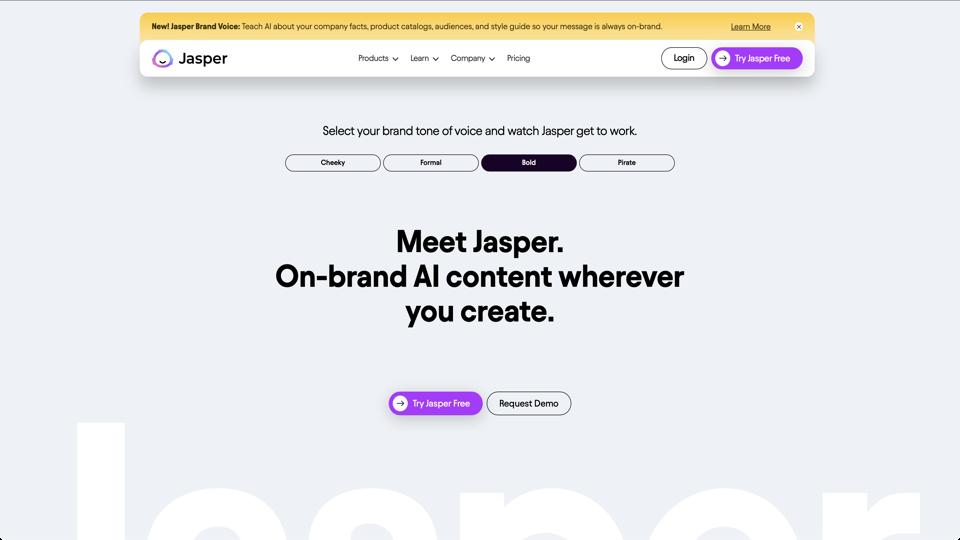
- Jasper AI: More focused on content creation with advanced customization.
- Grammarly: Great for editing but lacks automation features.
- Text Blaze: Similar snippet-based tool but without deep AI integration.
Final Verdict
Magical AI earns a strong 4.5/5 rating for its practicality and time-saving capabilities. If you’re tired of typing the same responses over and over, it’s worth trying the free version. For power users, the Pro plan unlocks its full potential, making it a smart addition to any productivity toolkit.