Overview
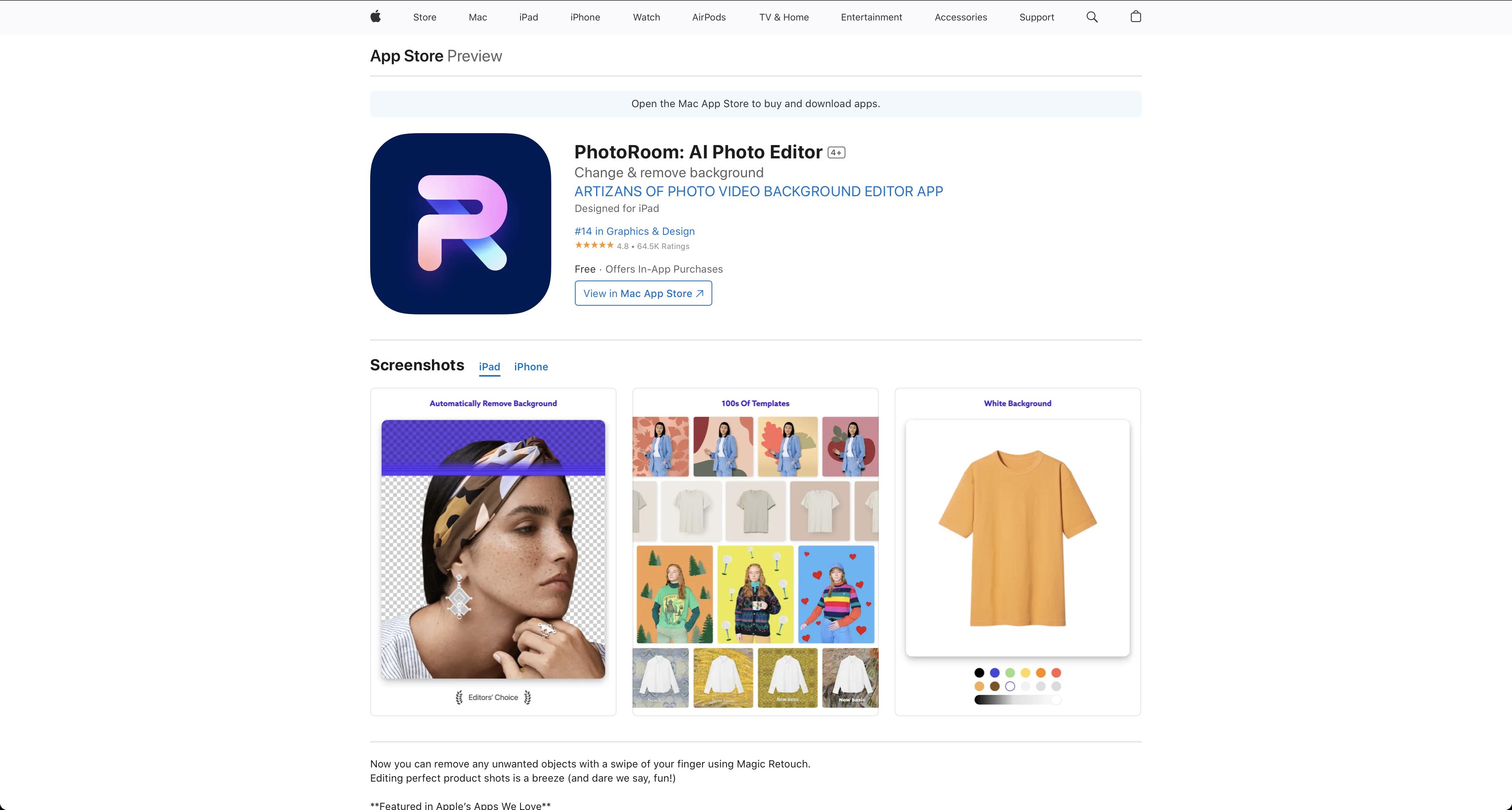
Photoroom: Studio Photo Editor is a versatile mobile application designed for both iOS and Android platforms, focusing on creating professional-quality product images. This tool is particularly useful for e-commerce sellers, marketers, and anyone looking to enhance their product photography without the need for a professional studio setup.
Key Features
- Background Removal: Photoroom uses AI to automatically remove backgrounds from images, allowing users to replace them with custom backgrounds or templates.
- Product Image Enhancement: The app offers tools to enhance product images, including shadow and reflection effects, making products stand out.
- Template Library: Users can access a wide range of templates designed for various product categories, speeding up the image creation process.
- Batch Editing: Photoroom allows for batch processing of images, which is a time-saver for users dealing with multiple product images.
- Export Options: The app supports various export formats, suitable for different platforms and uses, including social media and e-commerce sites.
Usability
Photoroom is designed with a user-friendly interface that simplifies the process of editing product photos. The AI-driven tools are easy to use, even for those with minimal photo editing experience. The app’s layout is intuitive, with clear icons and a straightforward workflow that guides users from uploading an image to finalizing their edits.
Performance
The performance of Photoroom is generally smooth, with quick processing times for background removal and other edits. However, the speed can vary depending on the device’s capabilities and the complexity of the images being processed. The app is stable, with few reported crashes or bugs, ensuring a reliable editing experience.
Pricing
Photoroom offers a free version with limited features, suitable for basic needs. For more advanced features and unlimited access, users can subscribe to the premium version, which is reasonably priced and offers good value for money, especially for businesses and frequent users.
Pros and Cons
Pros:
- Easy to use, even for beginners.
- High-quality AI for background removal and image enhancement.
- Extensive template library for quick professional results.
- Batch editing feature saves time on large projects.
Cons:
- The free version has limitations that might not suffice for all users.
- Performance can vary based on device and image complexity.
- Some advanced features might require a learning curve for new users.
Conclusion
Photoroom: Studio Photo Editor is an excellent tool for anyone looking to create professional product images without a studio. Its AI-powered features make it accessible to users of all skill levels, while its performance and pricing make it a practical choice for both casual users and small businesses. For those in the e-commerce space, Photoroom is a valuable asset for enhancing product listings and marketing materials.
Download
You can download Photoroom from the Apple App Store.