
Overview of AutoDraw

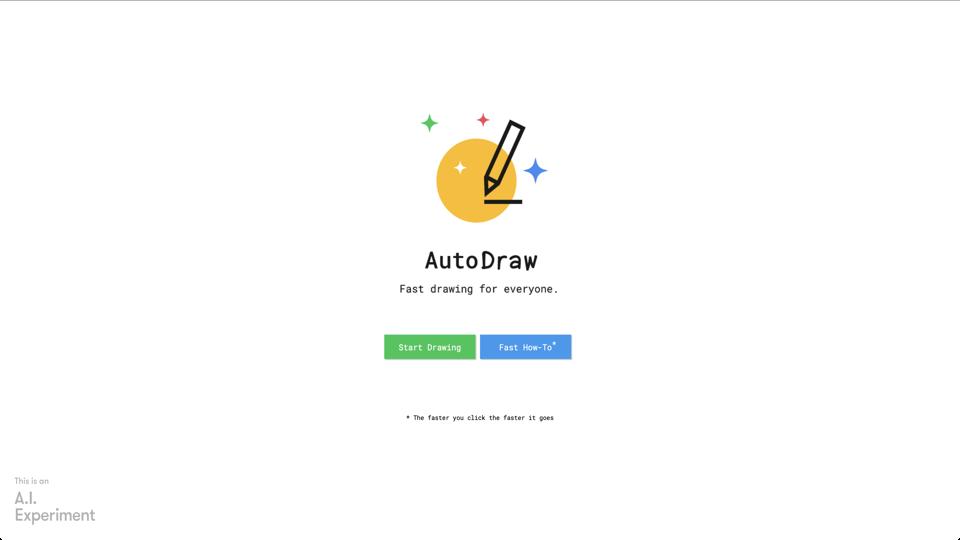
AutoDraw is an online drawing tool developed by Google that combines the simplicity of a drawing canvas with the power of artificial intelligence. It is designed to help users create quick sketches that are automatically enhanced into more refined drawings. The tool is accessible via the web and is free to use, making it an excellent option for those seeking a user-friendly drawing experience.

Key Features

  • AI-Powered Suggestions: As you draw, AutoDraw suggests professional-looking icons and drawings that match your sketch, which you can select to replace your initial drawing.
  • Simple Interface: The tool features a clean, minimalistic interface that makes it easy for users of all skill levels to navigate and use.
  • Export Options: Users can export their creations as PNG files, allowing for easy sharing and integration into other projects.
  • Touch and Mouse Support: AutoDraw is optimized for both touch devices and traditional mouse inputs, enhancing its versatility.

Pros and Cons

Pros

  • Free and accessible online, no installation required.
  • User-friendly, suitable for beginners and non-artists.
  • AI suggestions significantly improve the quality of sketches.
  • Quick and efficient for creating simple illustrations.

Cons

  • Limited to the suggestions provided by the AI; customization options are minimal.
  • Not suitable for detailed or complex artworks due to its simplistic nature.
  • Requires an internet connection to function, as it is web-based.

User Experience

AutoDraw offers a seamless user experience with its intuitive design. The AI suggestions appear quickly and are often relevant, making the drawing process fun and efficient. However, users looking for more control over their artwork might find the tool’s reliance on AI suggestions limiting.

Conclusion

AutoDraw is a fantastic tool for quick sketches and simple illustrations, especially for those who are not trained artists. Its AI-driven approach makes it unique and user-friendly. However, for more advanced or detailed artwork, users may need to look elsewhere. Overall, it’s a valuable tool for casual use and quick creative projects.

Visit AutoDraw

To try out AutoDraw, visit AutoDraw’s website.

Join the AI revolution!
Building the world's finest AI community is no walk in the park, do you want
to be a part of the change? Let's work faster, smarter and better!