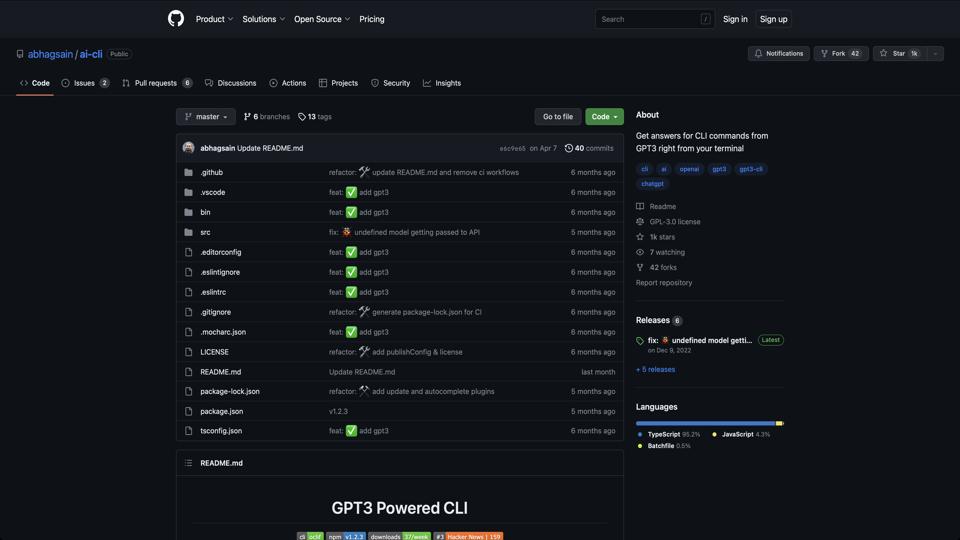

AI CLI is an open-source command-line tool available on GitHub at https://github.com/abhagsain/ai-cli. It integrates the power of AI models like GPT-3 directly into your terminal, allowing users to generate text, code, answers to questions, and more without leaving the command line. Developed by Abhag Sain, this tool aims to enhance productivity for developers, writers, and anyone who prefers CLI interactions over web-based interfaces. It’s built with Node.js and requires an OpenAI API key for functionality.
Getting started with AI CLI is straightforward. Here’s a step-by-step guide:
git clone https://github.com/abhagsain/ai-cli.gitcd ai-clinpm install.env file or exporting it as an environment variable.node index.js or link it globally for easier access.Note: You’ll need an active OpenAI account and API key, which may incur costs based on usage.
AI CLI is a solid choice for developers and power users looking to harness AI capabilities directly in the terminal. Its simplicity and integration make it a valuable addition to any CLI toolkit, though it shines best when paired with an understanding of API limits and costs. If you’re into automation and quick AI assistance, give it a try—it’s free to install and experiment with. For more details, visit the official GitHub repository.