Overview of Fermat
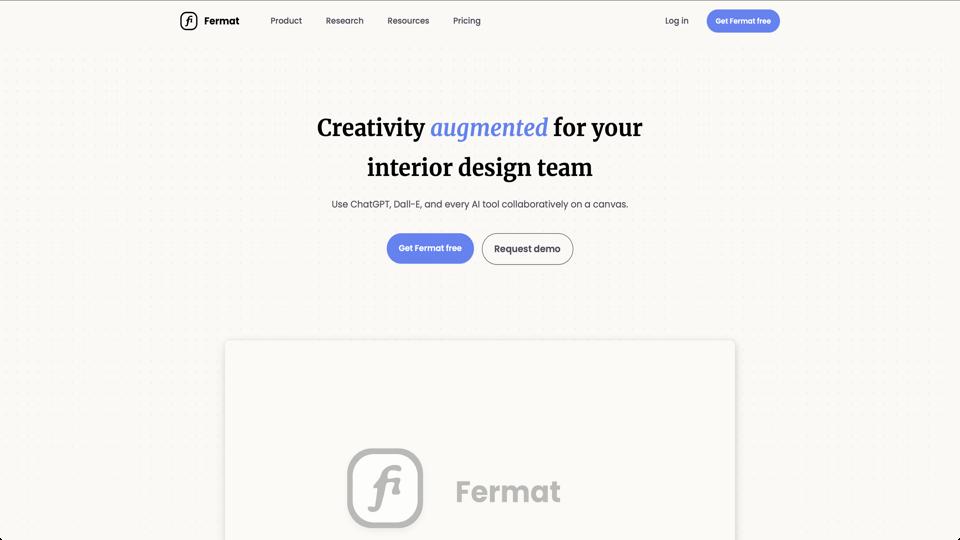
Fermat is a collaborative whiteboard tool designed for product teams, enabling real-time ideation, brainstorming, and visual collaboration. Accessible at fermat.app, it positions itself as a flexible alternative to tools like Miro or Figma, focusing on simplicity and speed for remote teams. It’s particularly useful for designers, product managers, and developers who need to sketch ideas, create flowcharts, or annotate designs without the overhead of more complex software.
Key Features
- Real-Time Collaboration: Multiple users can edit the same board simultaneously, with live cursors and chat integration.
- Infinite Canvas: No boundaries on board size, allowing expansive mind mapping and diagramming.
- Built-in Templates: Pre-made templates for user flows, wireframes, retrospectives, and more to kickstart projects.
- Integration Support: Connects with tools like Slack, Jira, and Google Drive for seamless workflow integration.
- Export Options: Easily export boards as images, PDFs, or shareable links.
Pros
- Intuitive and user-friendly interface, making it easy for beginners to get started quickly.
- Strong emphasis on performance, with minimal lag even in large sessions.
- Free tier available, which includes unlimited boards and basic collaboration features.
- Customizable elements like sticky notes, shapes, and drawing tools enhance creativity.
Cons
- Limited advanced design features compared to full-fledged tools like Figma (e.g., no vector editing or prototyping).
- Pricing for premium features can add up for larger teams, starting at $10/user/month.
- Occasional glitches in mobile responsiveness, making it less ideal for on-the-go use.
Pricing
Fermat offers a free plan with core features. Paid plans include Pro ($10/user/month) for advanced templates and integrations, and Enterprise (custom pricing) for unlimited storage and priority support. More details on their pricing page.
Who It’s For
This tool is ideal for agile product teams, remote workers, and educators looking for a straightforward collaboration platform. If your workflow involves quick ideation rather than polished designs, Fermat shines.
Final Verdict
Overall, Fermat earns a solid 4.5/5 rating for its balance of simplicity and functionality. It’s a great entry point for teams new to digital whiteboarding, though power users might need to supplement it with more robust tools.